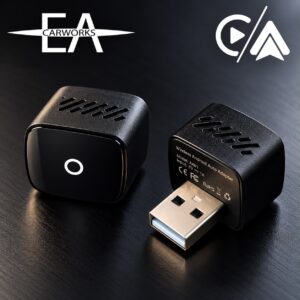
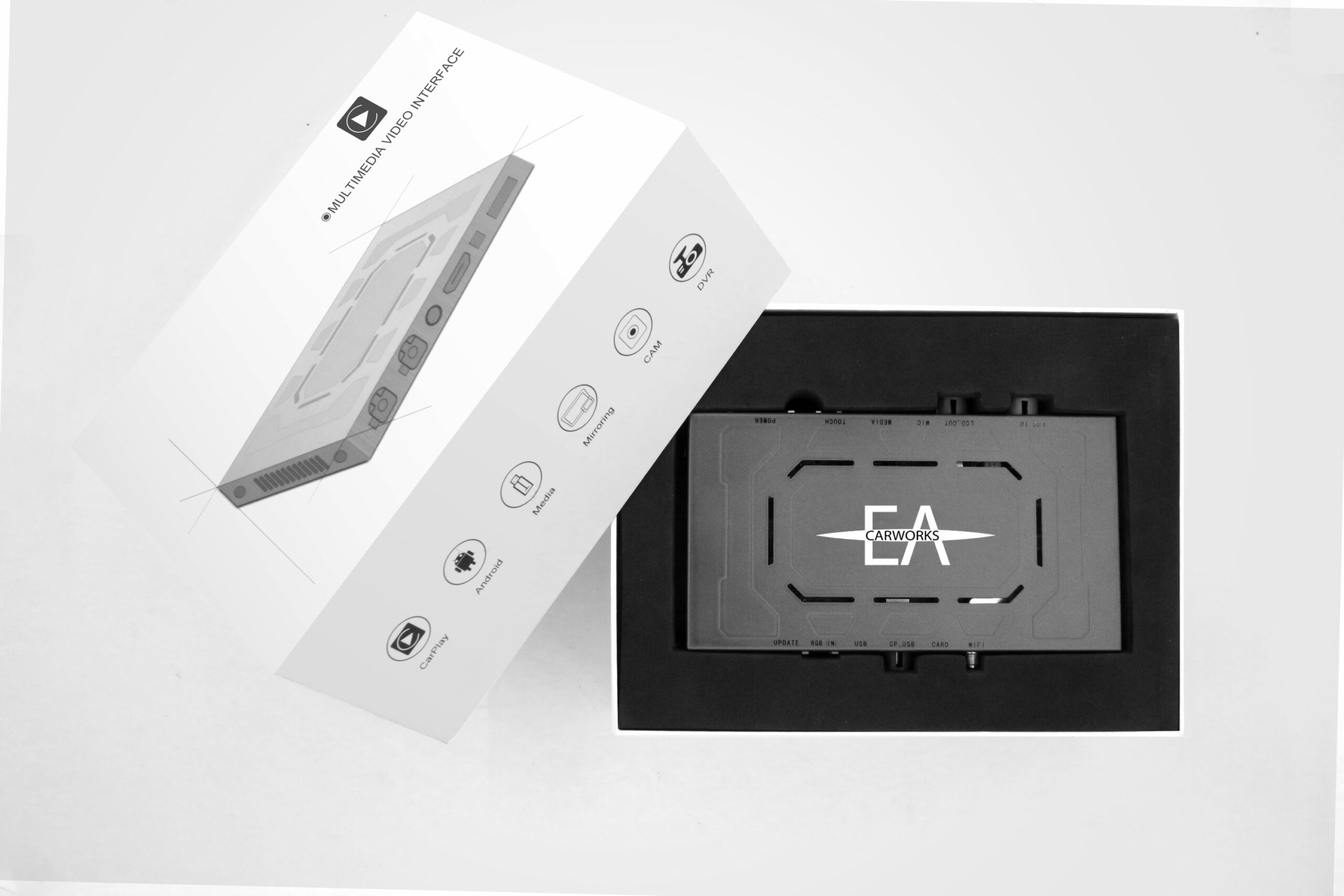
Description
Next Generation Multimedia Interface (MMI) with Full Touchscreen Support
Always send us your VIN when ordering so we can check compatibility!!
Yes, it supports touchscreen control within the MMI interface!
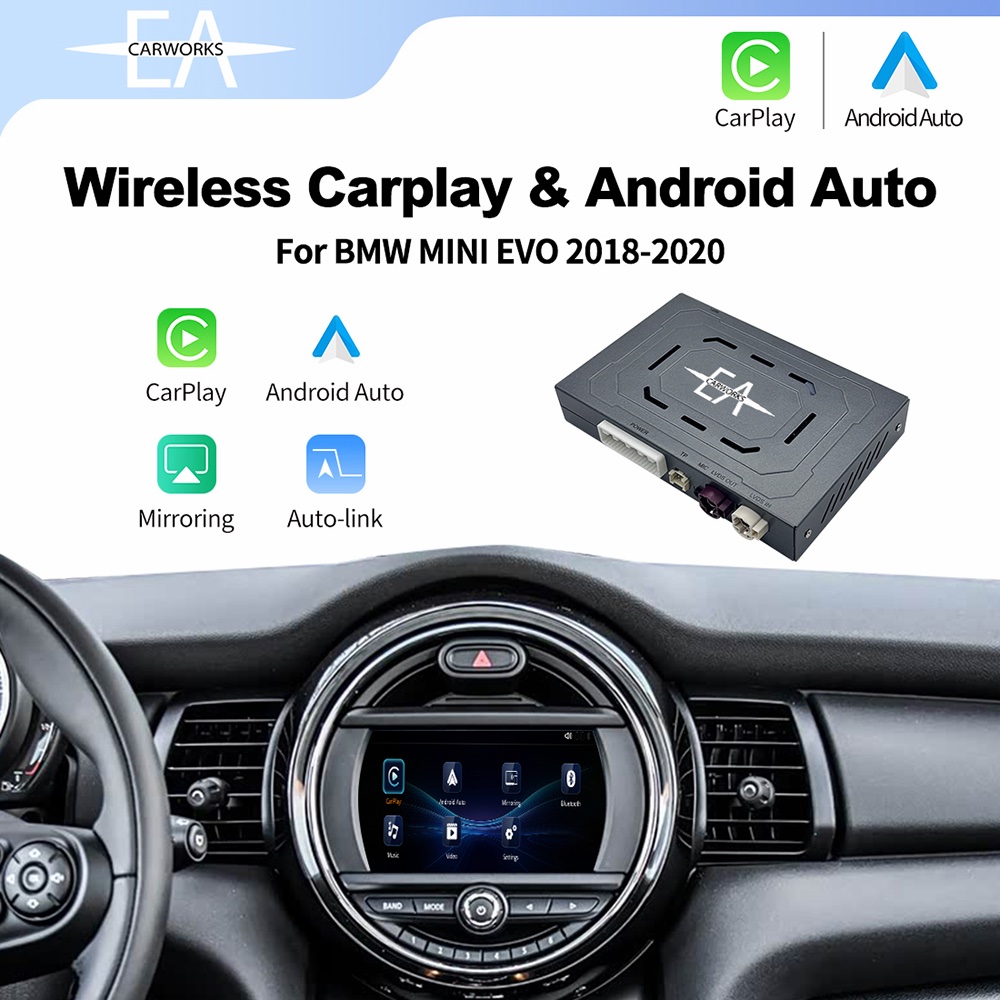
No more navigating CarPlay or Android Auto exclusively with the iDrive controller. This next-generation MMI allows you to use the original touchscreen of your MINI or BMW, delivering a much more intuitive and OEM-like experience.
Please note that installation requires removal of the display to connect the MMI unit behind the head unit. While installation is straightforward, it is not completely plug-and-play. If your head unit cannot support OEM CarPlay activation due to the absence of a Wi-Fi port, this MMI provides an excellent alternative.
Key Features
Compatible with touchscreen head units only
Supported systems:
- NBT EVO ID5 ID6
- ENAVEVO (CONTACT US FIRST!)
- EntryNav2 (CONTACT US FIRST!)
If your vehicle does not have a touchscreen, there are more affordable MMI solutions available that offer similar functionality without touchscreen integration.
Features
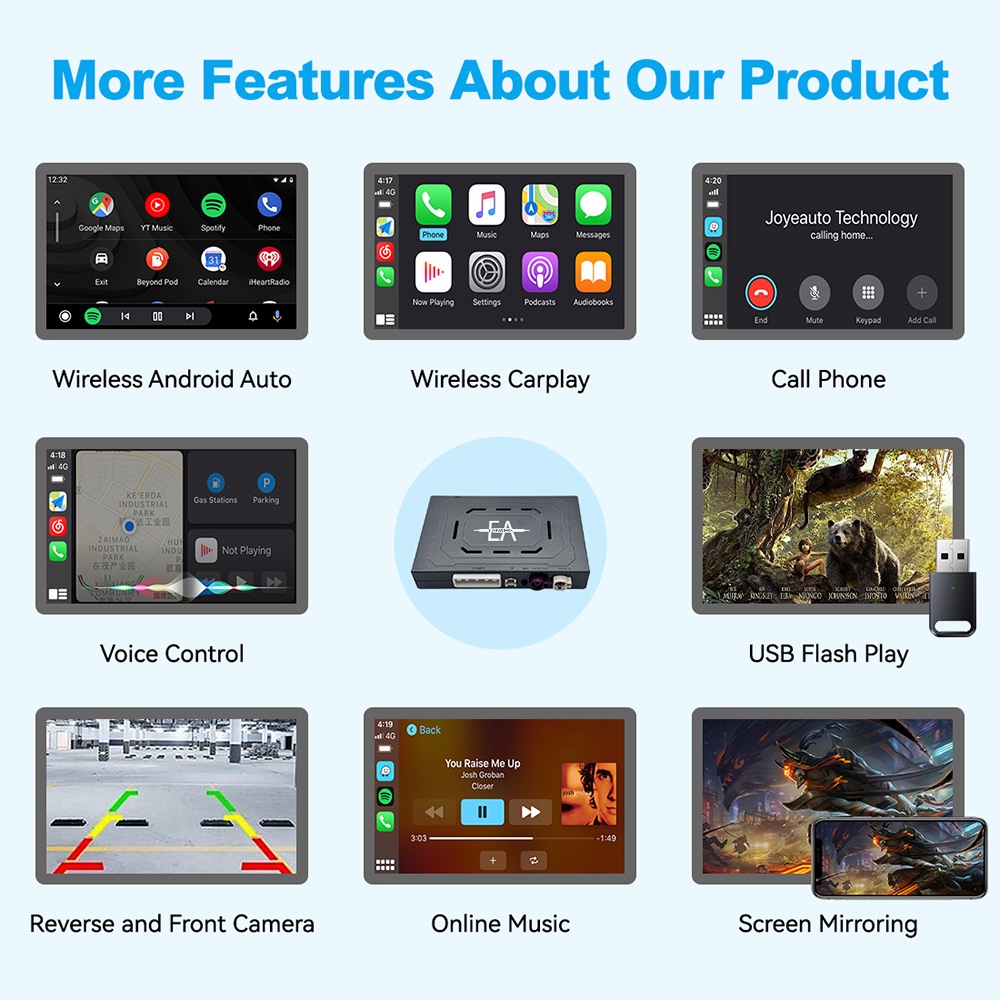
- Full touchscreen and iDrive controller support
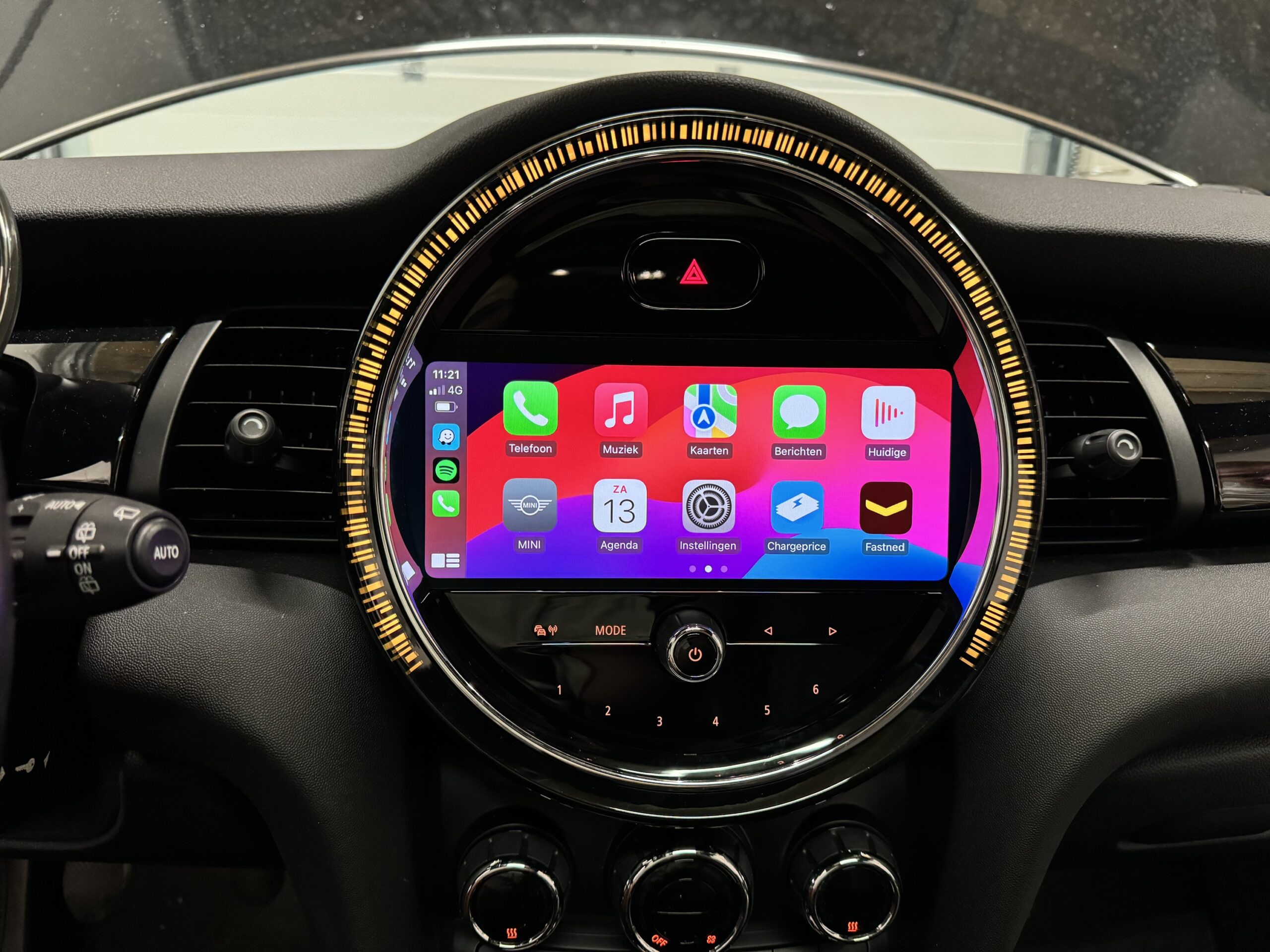
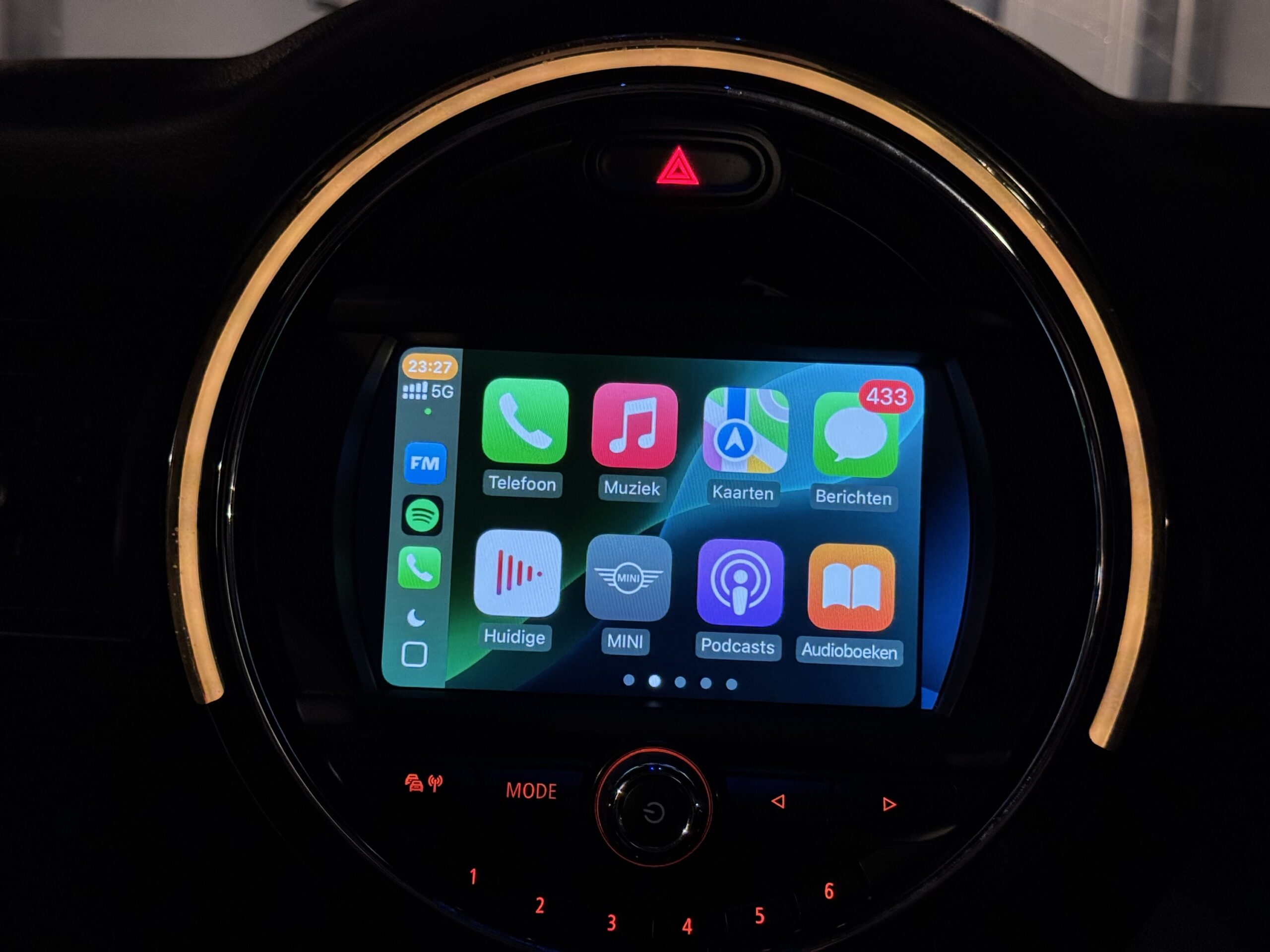
- Wireless Apple CarPlay
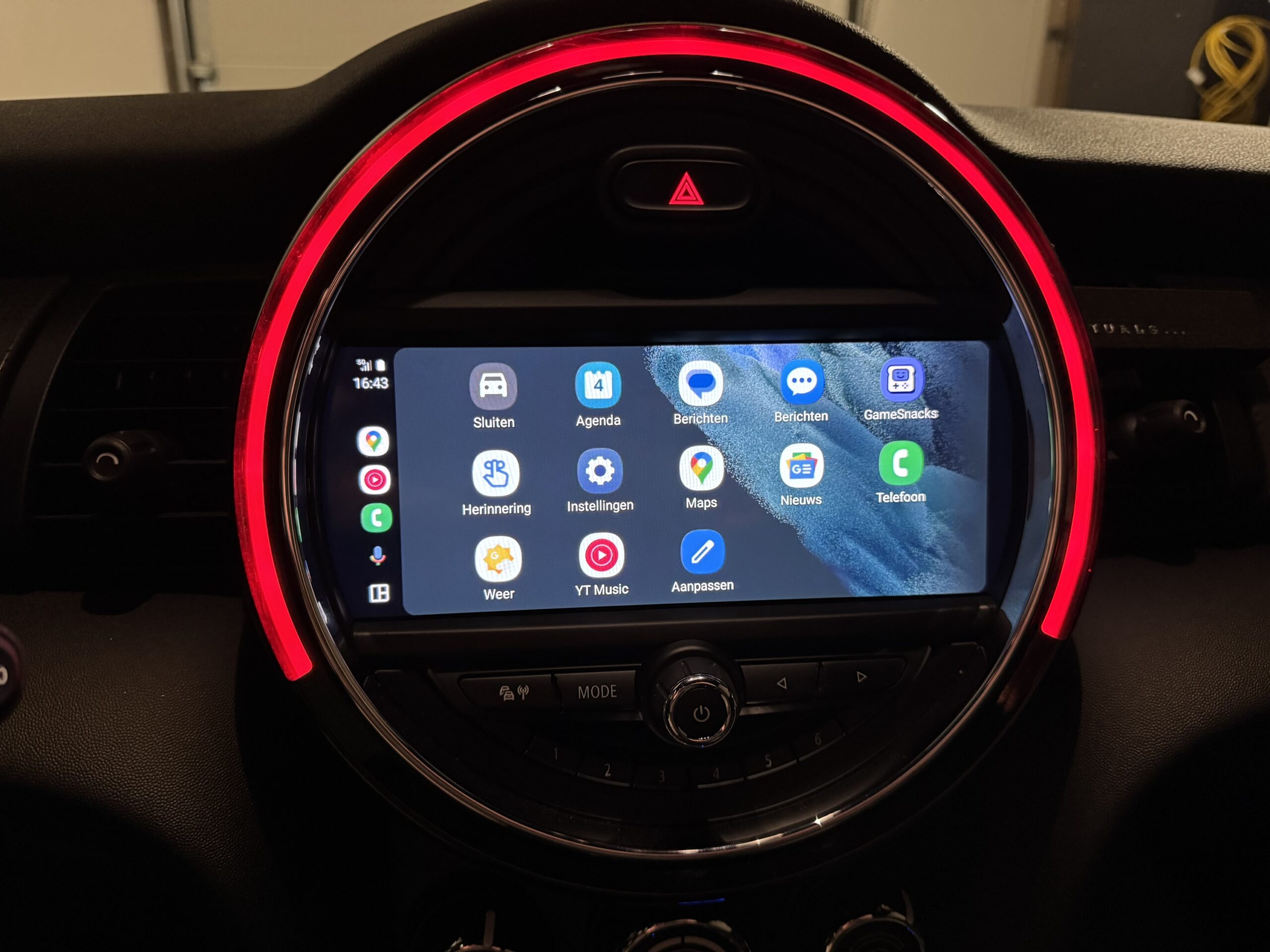
- Wireless Android Auto
- Voice control support
- Retains original steering wheel controls
- USB media playback
- Aftermarket reversing camera support
- Fast and responsive user experience
Why Choose an Aftermarket MMI?
As strong advocates of OEM solutions, we generally recommend factory-original upgrades whenever possible. OEM systems typically offer the best integration, long-term support, and overall user experience.
However, OEM retrofits are not always cost-effective. Upgrading to an OEM CarPlay-compatible head unit can easily exceed €1,500 including parts, coding, and installation.
This MMI offers a significantly more affordable alternative while still delivering many of the features users expect from a modern infotainment system. Thanks to touchscreen support, you no longer need to compromise on usability compared to older-generation MMI systems.
OEM Still Has Some Advantages
An OEM retrofit remains the gold standard because:
- Audio integration is completely seamless
- No AUX input is required
- No special button combinations are needed to access CarPlay
- Everything operates within the factory interface
- For the Entrynav2 / ENAEVO systems (WAY NAVIGATION) there is a way more simple and OEM solution, which gives both Carplay and Android Auto!! See product listing!!
However, these advantages come at a substantially higher price point.
Benefits of This MMI
1. Simple Installation
While the screen must be removed during installation, the process is largely plug-and-play. We can also provide professional installation services.
If the unit is removed at a later date, there will be virtually no trace of the retrofit, returning the vehicle to its original factory condition.
2. Reversing Camera Support
The MMI supports aftermarket reverse cameras, even on vehicles that were not originally equipped with parking sensors or a factory camera.
3. Genuine Touchscreen Compatibility
Unlike older MMI systems, this unit fully supports the OEM touchscreen while using CarPlay or Android Auto.
Previous-generation MMI units often disabled touchscreen functionality once entering the MMI environment. With this system, touchscreen operation remains fully functional.
4. Fast and Responsive Performance
Wireless Android Auto and CarPlay connect quickly and operate smoothly. Because the connection is handled directly by the MMI, response times are often faster than OEM solutions, with minimal input lag.
5. Android Auto / Carplay is always Fullscreen
Because the MMI operates entirely independently from the vehicle’s OEM software, it uses its own interface and always utilizes the full screen. No additional coding, software updates, or fullscreen activations are required to enjoy Apple CarPlay or Android Auto in full-screen mode.
Choose This or an Android Auto Box?
This MMI is particularly attractive for vehicles that:
- Do not have factory CarPlay (Option Code 6CP)
- Cannot have OEM CarPlay activated afterwards
- Lack the required Wi-Fi hardware
- Need a cost-effective solution
- Need Android Auto and CarPlay without replacing the entire head unit
Recommended If:
✅ You currently do not have CarPlay and cannot retrofit it
✅ You want to keep your original head unit
✅ You do not want to invest in a costly OEM head unit upgrade
✅ You want the fastest possible Android Auto or CarPlay experience
✅ You only need CarPlay or Android Auto functionality, without additional retrofit features
✅ You are comfortable performing the installation yourself
Because the MMI communicates directly with the vehicle, there is virtually no delay compared with solutions that rely on the OEM CarPlay interface as an intermediary.
Our Recommendations
Ultimately, the choice is yours. While we generally prefer OEM solutions, they are not always the most practical or budget-friendly option.
For Android Auto users, there is no true OEM solution available for most BMW and MINI models. You will typically need either an Android Auto interface box or an MMI solution.
For Android Auto Users
We recommend:
- Wireless CarPlay already available?Use an Android Auto box.
- No wireless CarPlay, but it can be enabled?Enable OEM CarPlay and use an Android Auto box.
- No wireless CarPlay and it cannot be enabled?Upgrade to an OEM CarPlay-compatible head unit and use an Android Auto box, or
- Install this MMI (most affordable option).
- No touchscreen?Choose a more affordable previous-generation MMI or upgrade to an OEM touchscreen head unit.
For Apple CarPlay Users
We recommend:
- No wireless CarPlay, but activation is possible?Activate OEM CarPlay.
- No wireless CarPlay and activation is not possible?Upgrade to an OEM CarPlay-compatible head unit, or
- Install this MMI as a cost-effective alternative.
- No touchscreen?Consider an older-generation MMI or upgrade to an OEM touchscreen system.
Need Help with Installation?
Not comfortable installing the MMI yourself?
We can help.
We offer professional installation services to ensure everything is fitted correctly and operating as intended. Removing interior trim and the display requires care and experience, and incorrect removal can damage clips, dashboard panels, or other interior components.
Whether you prefer to install it yourself or have it professionally fitted, we are happy to help you get the most out of your BMW or MINI.